Bitrate is the number most often used as shorthand for audio quality, and it is the number most often misread. It does not describe how good a recording is. It describes how much data is spent storing it each second, which is related to quality but not the same thing.
What the number measures
A bitrate of 128 kbps means the encoder is allowed 128 kilobits of data for every second of audio. More data gives the encoder more room to preserve detail; less data forces it to discard more. What gets discarded is chosen by a psychoacoustic model that predicts which parts of the sound a listener is least likely to notice, such as quiet detail masked by louder sound, or frequencies at the edges of hearing.
At low bitrates those decisions become aggressive and the results become audible: cymbals turn watery, reverb tails get truncated, and busy passages take on a swirling quality.
Where the audible threshold sits
For most listeners on most equipment, the practical ladder looks like this:
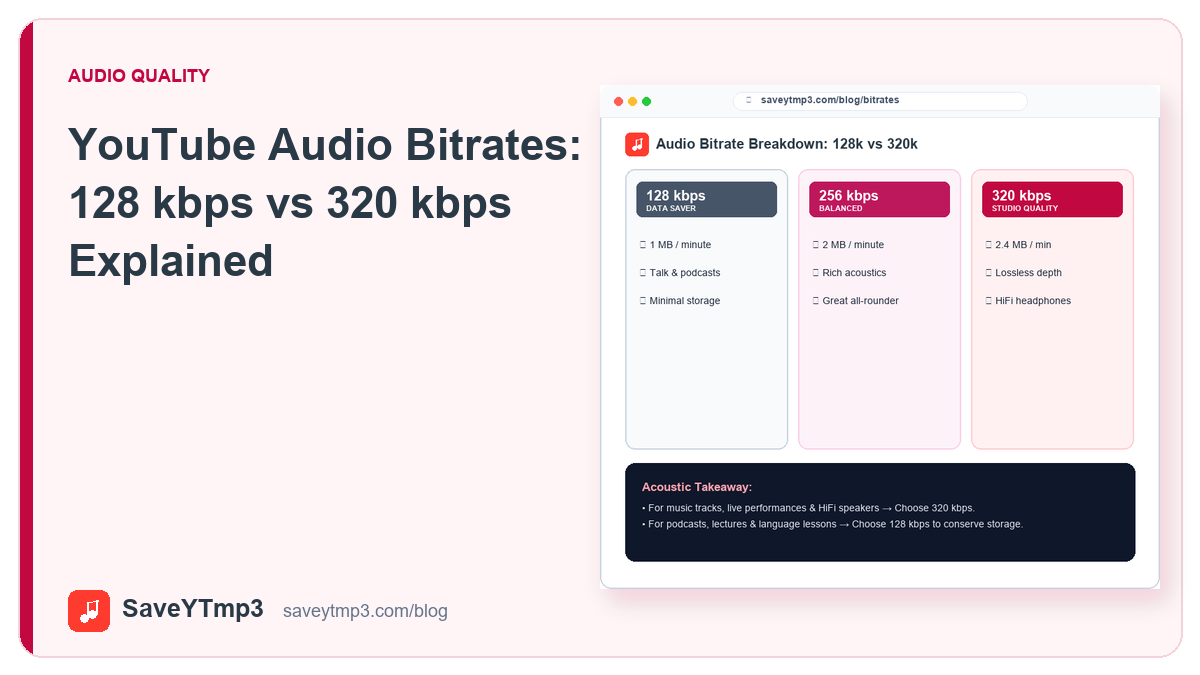
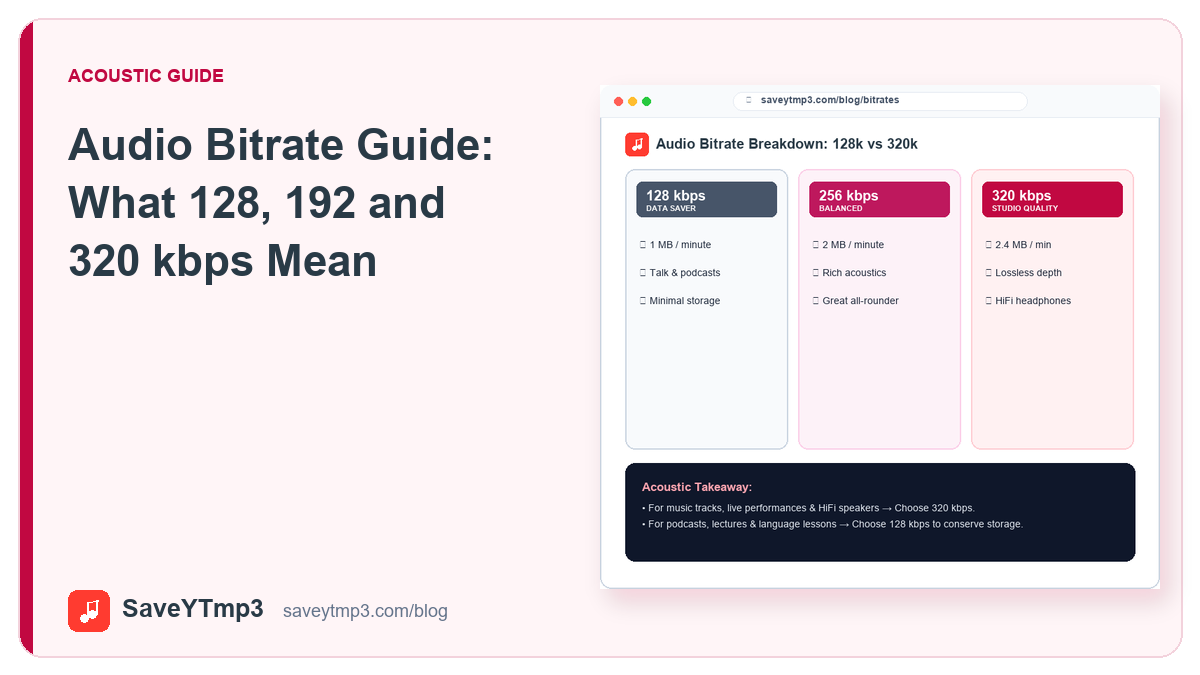
- 128 kbps is clearly acceptable for speech. On music, artefacts become noticeable on good headphones, particularly in cymbals and dense mixes.
- 192 kbps is a reasonable middle ground. Most people cannot reliably distinguish this from higher settings on ordinary equipment.
- 256 to 320 kbps approaches the practical ceiling of the MP3 format. Differences above this point are extremely difficult to hear.
The file size scales roughly with the bitrate: an hour of audio at 320 kbps costs about two and a half times what it costs at 128 kbps.
The ceiling you cannot exceed
This is the part that matters most and is understood least. Encoding at a higher bitrate cannot recover detail that is not in the source. If the audio you started from was already compressed, and audio extracted from an online video always has been, then re-encoding it at 320 kbps produces a larger file containing exactly the same information as a smaller one would have.
Worse, each round of lossy encoding discards a little more. A file compressed twice is measurably worse than the same file compressed once, regardless of the number attached to the second pass. When people report that a 320 kbps file sounds thin, this is almost always why.
Choosing sensibly
For spoken content such as interviews, lectures, audiobooks and podcasts, 128 kbps is entirely sufficient and saves considerable space. For music you intend to listen to properly, choose the highest option offered, but understand that you are preserving what the source contained rather than improving on it. For casual listening on a phone with ordinary earphones, 192 kbps is a sensible default that almost nobody can distinguish from more.
Other things that matter more
Listening equipment, the room, and the mastering of the original recording all affect what you hear far more than the last step from 192 to 320 kbps. A well-mastered track at 192 kbps through decent headphones will comfortably outperform a poorly mastered one at 320 kbps through a phone speaker. The bitrate is the easiest number to see, which is why it receives attention out of proportion to its importance.
Share this post: